> ## Documentation Index
> Fetch the complete documentation index at: https://docs.slotbot.de/llms.txt
> Use this file to discover all available pages before exploring further.
# Scheduled events
> Event overview above the channel list.
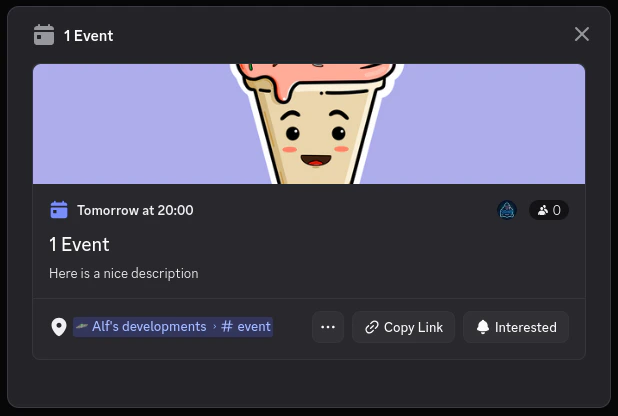 As soon as an event is [added to a Discord channel](/en/integrations/discord/bot-commands/add-event-to-channel), the Slotbot automatically creates a scheduled event in Discord. They are displayed above the channel list under the "Events" entry.
 For more information about scheduled events, please refer to this [Discord support article](https://support.discord.com/hc/en-us/articles/4409494125719-Scheduled-Events).